Flipping through an old family album is nice until you come across photos that have seen better days — faded colors, creases, or tears. In the past, restoring them was not easy. You either had to pay a professional or spend hours learning complicated software, and both choices were expensive and time-consuming.
Thankfully, AI tools have made a big difference.
Now, anyone can restore old photos quickly and easily. Below, we cover the best tools available to restore your vintage family albums.
How Modern Tools Fix These Problems
Restoring old family photos was never easy. It meant learning complicated software, spending hours on manual retouching, and often still not getting great results.
AI has simplified the whole process. These tools have studied thousands of real vintage images, so they instantly recognize damage like creases, tears, or faded areas. They then rebuild the missing details on their own.
What used to take a full day can now be done in seconds with just a couple of clicks. No expert skills required.
What to Look for in a Photo Restoration Tool
Before looking at specific apps, let’s first talk about the features that actually make a difference. Here’s what you should pay attention to.
AI-Powered Automation
The tool should handle the work for you. Look for one that detects and fixes scratches, tears, fading, and blur automatically. A one-click or single-tap approach is what you want.
Quality of Output
The restored photo needs to look good. Look for tools that deliver HD or print-quality resolution. That way, the image works on a screen and also holds up if you decide to print it.
Versatility
Scratch removal is useful, but the best tools offer more. Colorization, HD enhancement, and lighting correction can take an old photo and make it look much better.
User Experience
The tool should be easy to use. You should not need instructions to figure it out. A simple upload, process, and download workflow is best.
Privacy and Security
You are uploading personal family photos. Make sure the tool has a clear policy on how your images are handled and does not use them without your permission.
Tools for Restoring Vintage Family Albums
Got old family photos that have seen better days — faded colors, tears, or creases? Good news: you can fix them more easily than you might think.
A number of apps and online tools now use AI to repair damage, sharpen details, and even colorize black-and-white images. Below are some of the most effective tools currently available for bringing your old family albums back to life.
Renew Photo
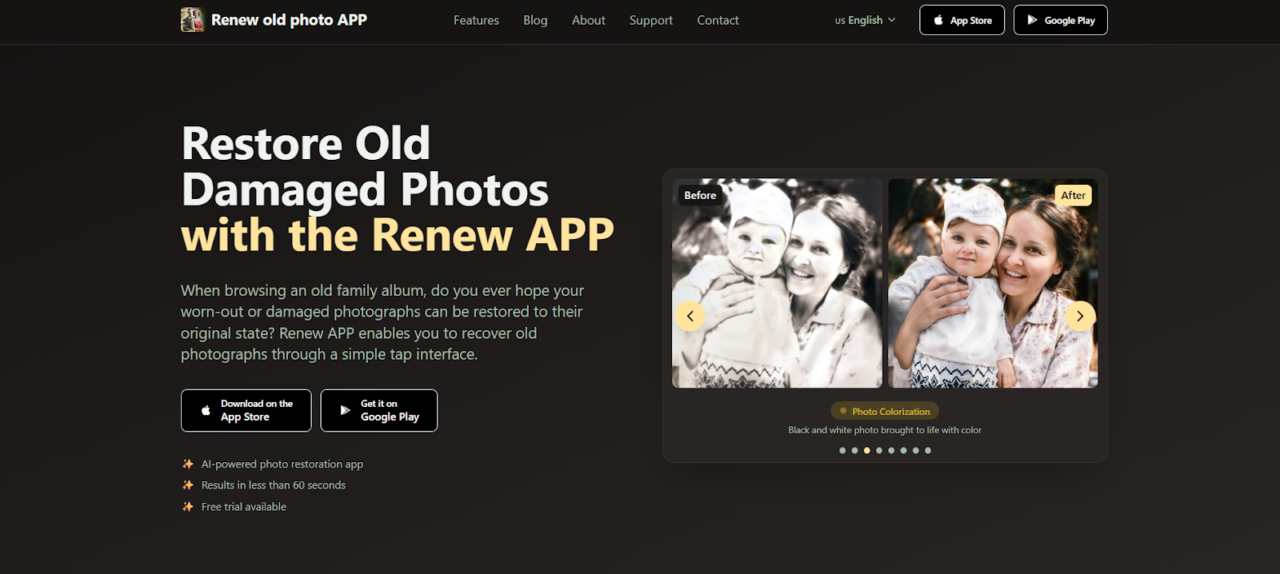
Using the Renew Photo app, you can restore old photos without any complicated editing. All you do is upload the image, and the app handles the repair work. It fixes damage, sharpens faces that are blurry, and colorizes black-and-white pictures in seconds.
The AI was built by studying thousands of actual old photos. This training allows it to rebuild missing parts while keeping the original look realistic. Scratches and spots are removed automatically as well.
You also have the option to animate old portraits if you would like to add some movement. Manual adjustments are available when you need more control, but most people find the automatic mode does a good job by itself. The final photos come out in high resolution, which means they are ready for printing or sharing right away.
Key Features:
- Repair torn, faded, and damaged pictures with a single tap.
- Make faces sharper, backgrounds clearer, and details pop.
- Add realistic colors to monochrome images instantly.
- Remove cracks and scratches with one tap.
- Fix photos that are too dark or too light using AI.
- Merge multiple photos into one perfect image.
- Bring still photos to life with AI motion.
- Perfect for sharing online or printing out.
RetroFix
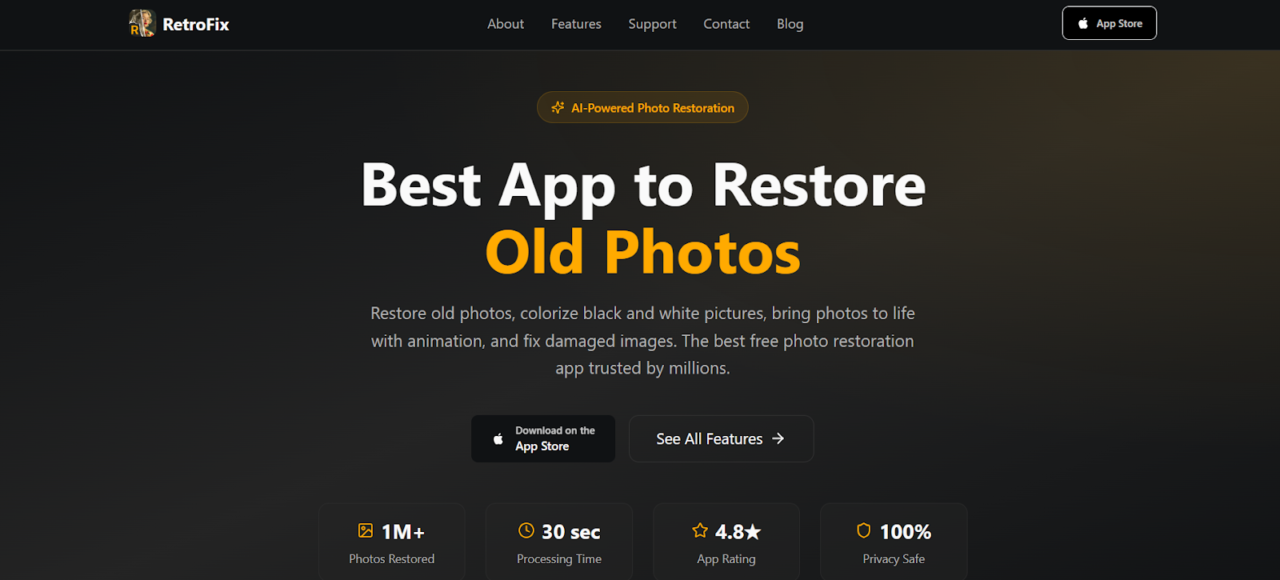
RetroFix is straightforward to use. Upload your image, and the app handles the rest. You can repair old photos, add color to black and white pictures, sharpen faces, combine two images, or animate them—all with a single tap. No technical skills are needed.
The app focuses on fixing torn, faded, and damaged photos through AI reconstruction, which makes preserving family memories much easier than traditional methods.
If you have blurry images that need sharpening or old photos you want to turn into moving videos, RetroFix covers both. Everything is in one place, so you do not need to switch between different tools.
Key Features:
- Fix torn, faded, and damaged pictures with intelligent AI reconstruction.
- Turn black and white photos to color in seconds.
- Enhance old images and make blurry faces clear.
- Remove scratches and imperfections from vintage prints.
- Animate old photos to see ancestors smile and move.
- Ready for printing or sharing with family.
Pixelbin
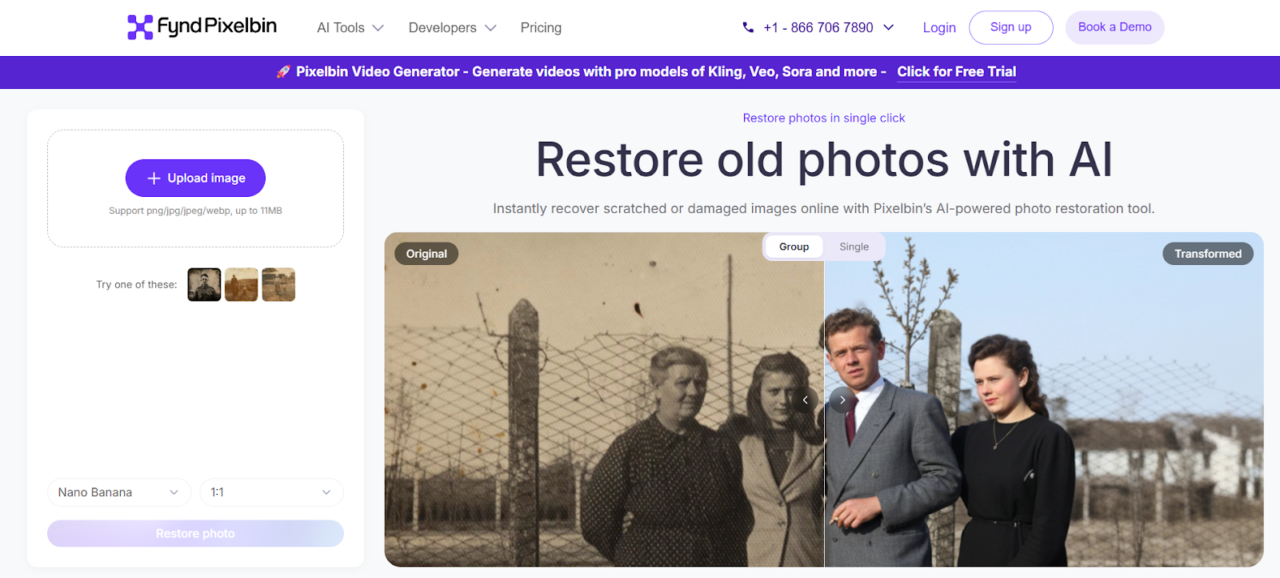
Pixelbin is a browser-based tool. You do not need to download anything. Just upload a damaged photo—up to 10MB—and the tool scans for scratches, discoloration, fading, blur, or tears. It fixes them while keeping the original look.
You can see the before and after results side by side. The whole thing takes a few seconds. No editing experience required. It works for old photos, wedding albums, historical images, or large batches if you use their API.
The tool is simple. No complicated menus. The AI removes damage but leaves the original quality and details intact. The side-by-side view lets you check the result before you download.
Pixelbin handles family portraits, wedding photos, and historical documents. You do not need editing skills. Upload, let the AI work, and download.
Key Features:
- AI removes scratches, tears, discoloration, and blur.
- Preserves original quality and details.
- Side-by-side comparison before download.
- Bulk restoration through API.
- Works with family portraits, wedding photos, and historical documents.
- No editing skills needed.
- HD output for printing or sharing.
- File size limit 10MB, supports URL paste.
FlexClip
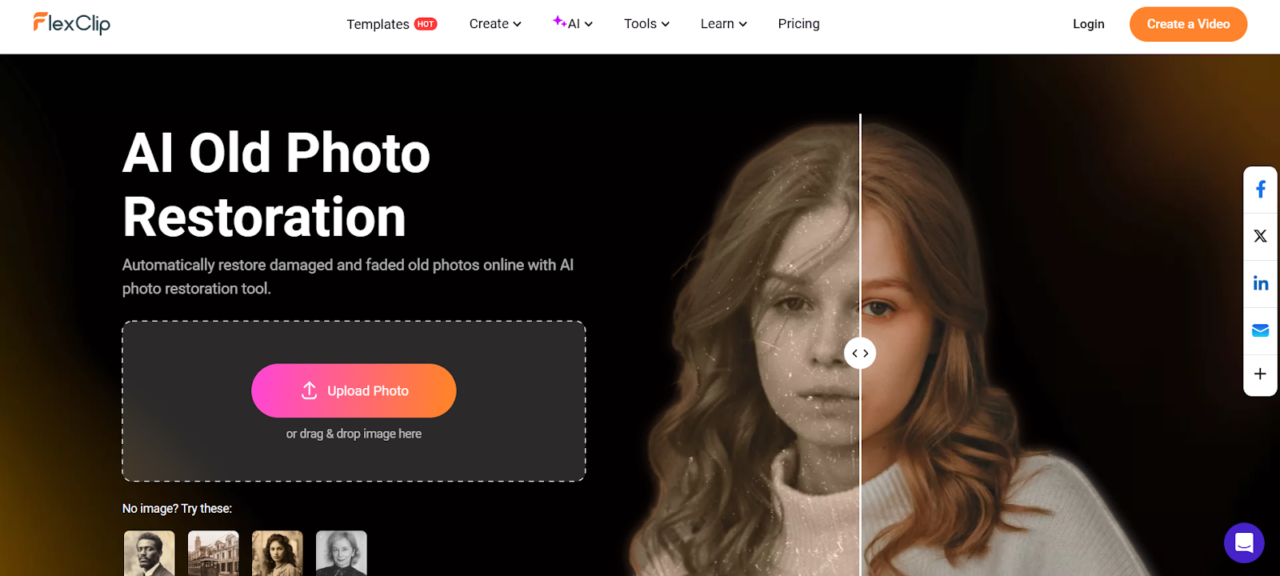
FlexClip is a good option if you want to restore photos and maybe turn them into videos. You upload an image, enable the AI restoration, and it handles scratches, stains, and creases. There is also a colorizer for black and white shots and an upscaler to improve resolution.
It works for two types of users. Beginners get quick results without much effort. Content creators can take restored images and use them directly in FlexClip’s video tools without switching platforms.
Beyond basic restoration, FlexClip offers more features. You can add color to faded or black-and-white images, and the upscaling tool boosts resolution up to 4x. That makes a difference if you plan to print or display the photo on a larger screen.
The process is straightforward. Drag and drop your image, pick the settings you want, generate the result, and download. You do not need editing experience to get good results.
Key Features:
- Automatic repair of scratches, creases, stains, tears, and fading.
- AI colorization for black and white or faded images.
- Upscaling up to 4x for prints or larger displays.
- Drag and drop workflow, no editing skills required.
- Part of a larger suite with object removal and animation.
- Built with video creators in mind.
Conclusion
Your old family photos don’t have to stay damaged forever. The tools covered in this article make restoring them surprisingly quick and straightforward. You won’t need any professional skills or costly software.
Pick the right tool for your situation. Think about how many photos you have, what kind of damage they show, and whether you want extras like colorization. It also helps to choose something simple to use that protects your privacy.
The truth is, the longer you wait, the worse the photos can get. So go ahead and try one of the tools today — you’ll be glad you did.